
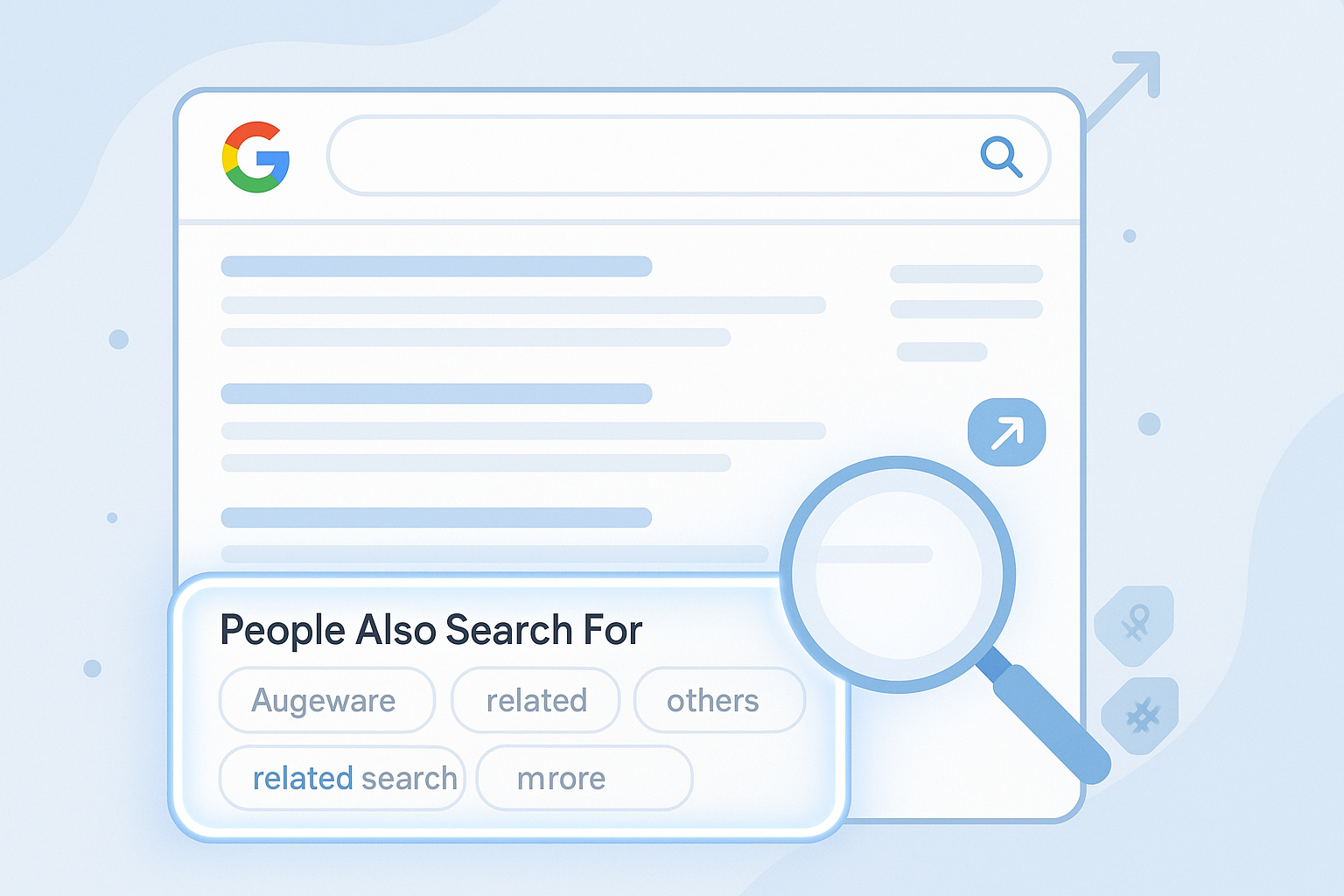
If you’ve ever clicked a Google search result and quickly returned to the results page, you may have noticed a subtle but powerful feature appear—“People Also Search For” (PASF). It’s a small list of related queries that Google displays to help users refine or continue their search journey. While it might seem like a minor element in the search engine results page (SERP), for marketers and SEOs, it’s a goldmine of insight.
PASF reveals how users think, what else they’re curious about, and where their intent may be headed next. These related queries are contextually tied to the original search, making them incredibly useful for content expansion, keyword clustering, and addressing deeper search intent.
In this guide, we’ll break down exactly what “People Also Search For” is, how it differs from other SERP features, and how marketers can use it to uncover hidden SEO opportunities. Whether you’re building blog content, landing pages, or a keyword strategy, PASF can help you connect with your audience more effectively.
What Is “People Also Search For”?
- Definition: “People Also Search For” (PASF) is a dynamic SERP feature on Google that shows a list of related search queries based on user behaviour and query context.
- Where it appears: It typically appears after you click a search result and then quickly returns to the Google results page (a behaviour known as “pogo-sticking”).
- How it works: Google uses your quick exit as a signal that you didn’t find what you were looking for—so it suggests alternative searches to help you refine or shift your query.
- Purpose: PASF helps users explore closely related topics or rephrase their searches. For marketers, it offers insight into secondary search intents and user journey mapping.
- Difference from “Related Searches”:
- PASF shows after interaction, usually mid-SERP.
- Related Searches appear at the bottom of the results page, regardless of user interaction.
- PASF is more intent-driven, while Related Searches are algorithmically broader.
Why It’s Important for Marketers & SEOs
- Reveals True User Intent
The “People Also Search For” (PASF) feature gives valuable clues about what users are really looking for. If someone bounces back from a page and sees alternate suggestions, those phrases reflect deeper, adjacent, or clearer intents. For marketers and SEOs, this is gold—because understanding user intent is the foundation of effective content strategy.
- Supercharges Keyword Discovery
PASF serves up high-intent, semantically related keywords that traditional keyword tools often miss. These are search queries your audience is actively exploring. By analysing PASF results, you can build better keyword lists for blog topics, landing pages, FAQs, and even ad copy.
- Perfect for Long-Tail & Cluster Strategy
PASF terms are often long-tail—more specific, less competitive, and conversion-friendly. You can use them to create keyword clusters around a core topic, supporting a pillar page strategy. This helps improve topical relevance and internal linking, which are key SEO ranking factors.
- Real-Time, User-Driven Data
Unlike generic keyword suggestions, PASF reflects live user behaviour. It’s not theoretical—it’s reactive. That makes it especially useful for content updates, optimising underperforming pages, or building fresh topic ideas around trending queries.
How to Find ‘People Also Search For’ Keywords
- Manual Method via Google
The simplest way to find PASF keywords is to use Google itself. Search for a term, click on a result, then quickly hit the back button. When you return to the search results page, Google often displays a small box below the result you clicked titled “People Also Search For.” Note the suggestions—these are based on real user journeys.
- SEO Tools (Ahrefs, SEMrush, SurferSEO)
Top SEO tools like Ahrefs and SEMrush offer features that simulate or extract PASF-style suggestions under broader keyword research tools. These tools also help identify search volume, keyword difficulty, and SERP features, so you can prioritize terms that matter.
2. Browser Extensions
Extensions like Keywords Everywhere or SEO Minion can surface PASF data in real time as you browse Google. These tools often display PASF terms, related keywords, and additional SERP insights without having to click around too much.
3. AI-Powered Assistants (like ChatGPT)
AI tools can reverse-engineer PASF-style suggestions by clustering related terms around a primary keyword. Prompt tools like ChatGPT to generate semantically related long-tail queries, questions, or alternative search paths your audience might take.
How to Use PASF Keywords in Your Strategy
Effectively using People Also Search For keywords can significantly enhance your SEO strategy and content depth. Here’s how:
- Group PASF Keywords into Clusters
Organise them by intent or topic. For example, if your primary keyword is “email marketing tools,” PASF keywords might include “free email tools,” “Mailchimp alternatives,” and “best email software.” These can form a strong cluster around your main article or pillar page.
2.Use in H2s, FAQs, and Internal Links
Sprinkle PASF keywords naturally in subheadings (H2/H3), FAQ sections, and link anchor text. This improves topical authority and makes your page more helpful to users and search engines alike.
3.Fuel Content Ideation
Each PASF keyword can inspire a standalone blog post or landing page. If Google suggests “email marketing for small business,” that’s a signal there’s demand—and you should create a page that addresses it directly.
4.Boost Dwell Time & Engagement
Semantic alignment between search queries and on-page content reduces bounce rates. By addressing PASF terms clearly and contextually, users are more likely to stick around and explore your site.
Use Cases & Examples
Blog Expansion Example:
A digital marketing blog originally targeting the keyword “SEO for beginners” integrated PASF terms like “how to learn SEO step by step” and “free SEO tools for beginners.” The post was updated with new subheadings and a richer FAQ section, leading to a 28% increase in organic traffic in two months.
Landing Page Re-Optimisation:
An agency offering email automation noticed PASF phrases like “email automation vs. marketing automation” appearing in their analytics. They added a comparison section, restructured content, and included an internal link to a blog post explaining the difference. Result? Bounce rate dropped by 22%, and time on page increased significantly.
These examples show how PASF isn’t just for keyword stuffing—it’s a lens into what users actually want.
Common Mistakes to Avoid
While PASF keywords are valuable, misuse can backfire. Avoid these common pitfalls:
- Keyword Stuffing:
Forcing too many related terms unnaturally into your content hurts readability and SEO. Use them only when they make contextual sense. - Ignoring Search Intent:
Just because a keyword appears in PASF doesn’t mean it fits your page’s purpose. Ensure alignment with the user’s actual goal behind the query. - No Structure or Strategy:
Throwing PASF terms into a page randomly doesn’t help. Use headings, questions, and internal links to guide both the reader and search engines.
FAQs for People Also Search For
What does “People Also Search For” mean on Google?
It’s a search feature showing related queries users often look for after clicking a result and returning to the SERP.
How do PASF keywords differ from “Related Searches”?
PASF appears after interaction (click + back), while “Related Searches” are always shown at the bottom of a results page.
Are PASF keywords good for SEO?
Yes—they help with keyword clustering, content expansion, and better semantic optimisation.
Can I manually find PASF keywords?
Yes, by clicking a result and returning to the search page, Google will often show PASF suggestions.
Should PASF terms be used in every post?
Not necessarily—use them when relevant to strengthen content depth, not just for the sake of SEO.